Scanner Pro, an app that lets your iPhone scan documents, has launched a new AI-powered feature that automatically organizes your scans into categories because life is too short to manually clarify these things.
HIGHLIGHTS
Scanner Pro now lets your iPhone scan documents even faster
According to a post on theReaddle blog:
Have you ever needed to find your scanned passport at the airport and had to spend several minutes trying to locate it on your phone, all while people behind you in the queue get annoyed at you? We’ve all been in situations where we’re frantically trying to find certain documents on our devices, but locating them takes forever. Our new Scanner Pro release is here to help.
Before this feature became available, you had to painstakingly file scans into categories if you wanted to make finding the right document easier. If you regularly scan receipts, invoices and other paper documents you’d like to keep in digital form, you know how boring this can be. Read:How to scan documents directly from the Files app
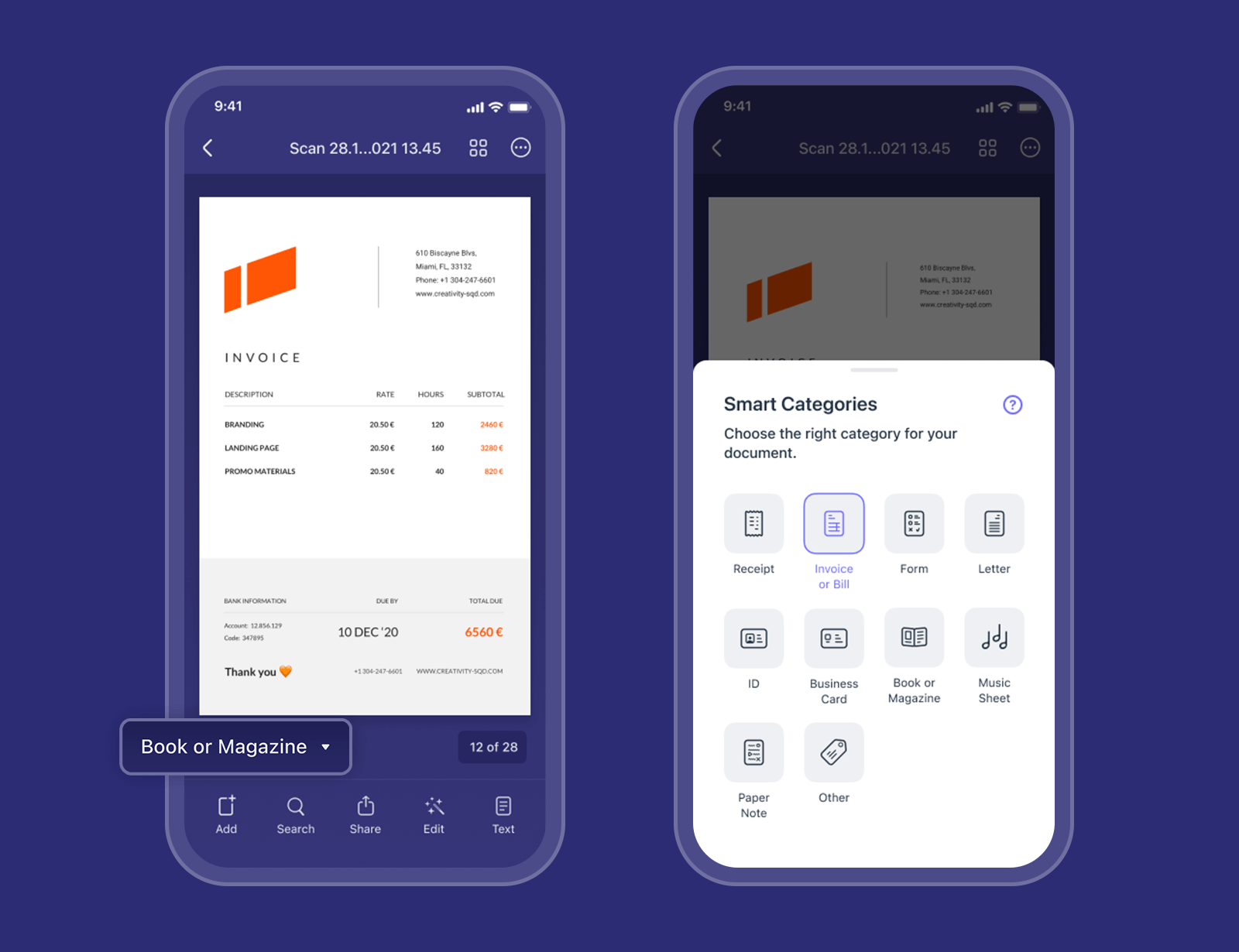
With the latest update to Scanner Pro, manual filing becomes a thing of the past.
Artificial intelligence allows the app to recognize the type of document you’re scanning. The power of AI enables other smart features, ranging from automatic file naming to suggesting the best next action to take with your scan. Additional AI-powered capabilities will come in future updates. Read:Featured iOS apps for scanning documents

AI recognizes the following document types out of the box:
You can still manually assign a category to a scan in case AI has gotten it wrong. With scans organized into categories, you can search in a specific category to quickly locate the right document when you need it, even if you don’t remember its name.
